
Woodson VINELink Release Coverage
Kansas VINE operates through VINELink as a specific-person custody and notification service. Woodson County participation is not an assumption based only on statewide availability. The Woodson County Sheriff FAQ directly confirms local use, gives the Kansas VINE telephone line, and identifies internet, telephone, and mobile-app search. It also describes phone, email, text, and in-app custody-change alerts.
The system may receive records from participating Woodson or Kansas custodial agencies. A person held in Woodson Detention Center can therefore have a local event, while a qualifying state prisoner may have a KDOC event. Participation and the agency named on the live person card still control. VINELink is not the federal Bureau of Prisons locator, and it should not be used as a generic search for federal releases.
Scope limit: VINELink is an event and notification layer for a specific person. It is not a permanent archive of Woodson County release records.
A person who disappeared from the current Woodson jail roster is not proved released by absence alone. Check the sheriff’s rolling 48-hour release profile for the exact local release time. If a KDOC sentence followed, KASPER may show continuing state custody or supervision. These sources can form a sequence rather than competing answers.
VINELink also differs from a recent-release feed. Woodson’s sheriff list lets a reader review the county’s rolling set of released bookings. VINE starts with a named person and supports a future notification. It is therefore suited to following one known custody record, not building a list of all people who left the jail during a chosen period.
Search Woodson Inmates on VINELink
Open the direct Kansas VINELink person search. Search one person, not a broad list of everyone recently released. Names alone can produce similar matches, so compare any identifier and the agency or facility displayed by the live interface. Never infer a Woodson connection simply because a name appears in the Kansas results.
- Choose Kansas and select the Person search.
- Enter the full name. Add an ID or other filter offered by the live Kansas interface when available.
- Review the returned cards and open the most likely record.
- Match the person with available identifiers, agency, facility, and custody status. Stop if the details do not support the match.
- Read the event type exactly. A transfer, release, and other custody change should not all be paraphrased as release.
- Compare the result with the agency record that owns the custody, especially when the event has already occurred.
The official Kansas person-search screen is captured in the successful page-matched manifest image below.
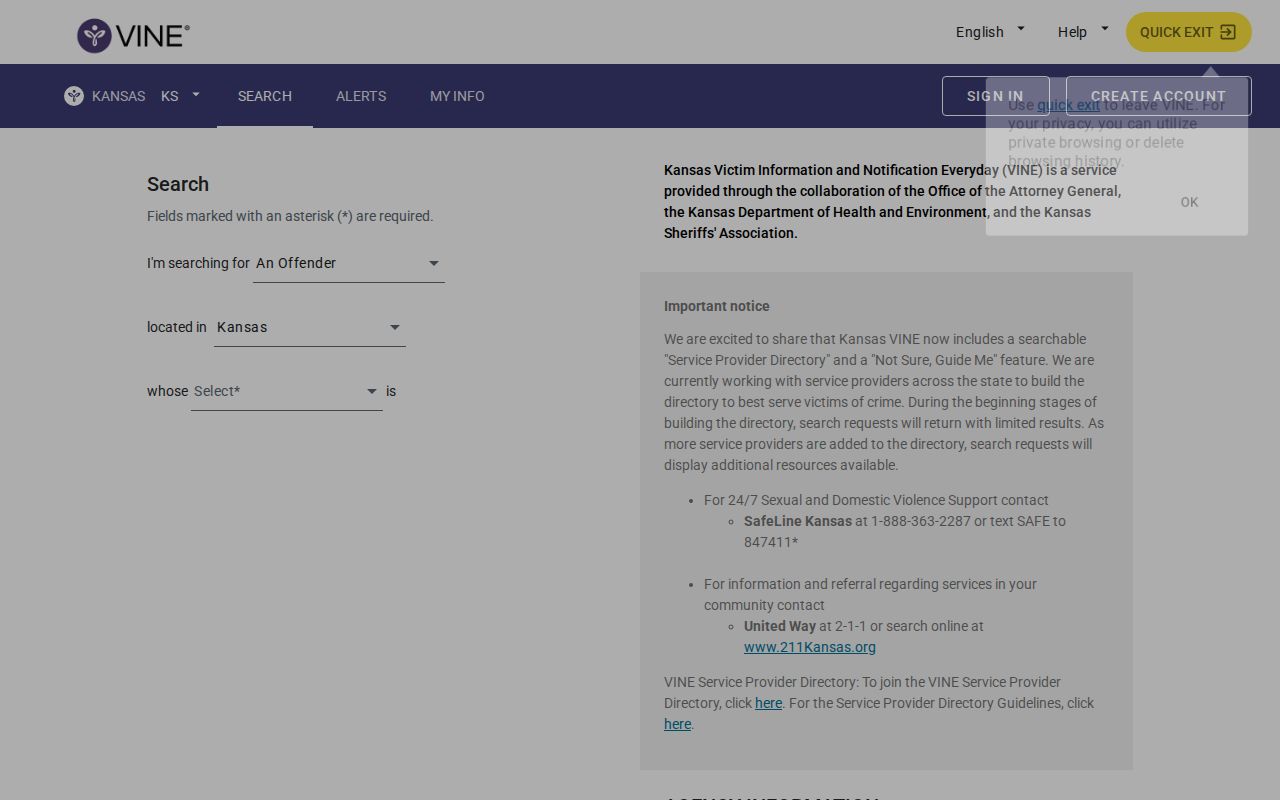
The image shows the correct entry route for a named Kansas person. Results remain dependent on the agency feeding the record.
If the person was recently released from Woodson Detention Center, use VINELink as a status check or alert source and the sheriff profile as the local release record. If the event is older than the sheriff’s 48-hour public window, request the booking and release entry. The Woodson County release-record search path sets out those older-record and court routes.
Woodson VINELink Release Fields
Fields vary with the supplying agency and the live interface. VINELink should never be promised as a booking-photo archive or a full jail release sheet. Its value is the matched person card, custody or status information, the agency context, and the ability to register for future events. Read every available field together.
| VINELink item | What it can establish | What to verify |
|---|---|---|
| Name and identifiers | Which person record may match the inquiry | Compare all available identifiers, not the name alone |
| Agency or facility | Which participating source supplied the custody record | Confirm it is Woodson, KDOC, or the intended agency |
| Custody or status | The status currently supplied to VINE | Check for lag and read the event wording exactly |
| Custody-change event | That the source reported a release, transfer, or other change | Use the sheriff or KDOC record for durable proof |
| Notification methods | Available ways to receive later alerts | Complete registration and retain confirmation |
A Woodson sheriff profile can provide an exact booking release timestamp. KASPER can show state movements, supervision, or “Discharged.” VINELink does not replace either record. A released or changed status can lag, and an absent record is not legal proof that custody ended.
Photographs are not a dependable VINELink field. A supplying agency may display one, but VINE is not a booking-photo archive. For the local booking image, use the Woodson sheriff profile while it is available or ask the sheriff for the photograph in its existing electronic form. For a state correctional photo, use the relevant KASPER record. That distinction prevents a photo from being assigned to the wrong custody event.
Note: A custody-change event may be a transfer rather than community release, so preserve the alert and check the source agency’s record.
Woodson County VINE Alert Methods
Woodson’s local FAQ makes this notification route distinctive. It confirms that a person can be checked by telephone, online, or with the mobile app, then lists telephone, email, text, and in-app alerts. The Kansas VINE assistance number is 866-574-8463. That local statement provides firmer support than a broad claim that every county agency automatically participates.
Choose the method that can be monitored and keep its destination private. VINELink describes alerts as available around the clock, but the source agency controls when an event enters the system. Continuous alert delivery does not guarantee instant source data. When timing matters, contact Woodson Detention Center or the identified KDOC office after receiving the notice.
Nixle is a separate general-alert channel linked by the sheriff. It is not the county jail roster and not an individualized custody-notification system. Likewise, sheriff press releases are selective agency news. Kansas VINE is the correct Woodson-specific route for a named person’s custody alert.
Register Woodson Release Notifications
Registration begins on the matched person detail. The current interface uses an Add control under Notification Methods. Complete every confirmation step. A search result alone does not create an alert, and entering a destination without reaching confirmation may leave the registration unfinished.
- Open the correctly matched person card and select Add under Notification Methods.
- Choose telephone, text, email, or an in-app method. Select the preferred language where the interface offers it.
- Enter the destination only on VINELink’s registration screen. Do not place private contact data in a public record request.
- Create and confirm a memorable four-digit PIN. Keep it private and do not include it in screenshots.
- Submit the registration and retain the page marked “Registration Confirmed.”
- When a telephone notice arrives, use the PIN to acknowledge receipt. Preserve the event wording before verifying it with the agency.
The official VINELink portal is the source for this registration and confirmation workflow. The matching manifest image shows the service entry point and confirmation context.
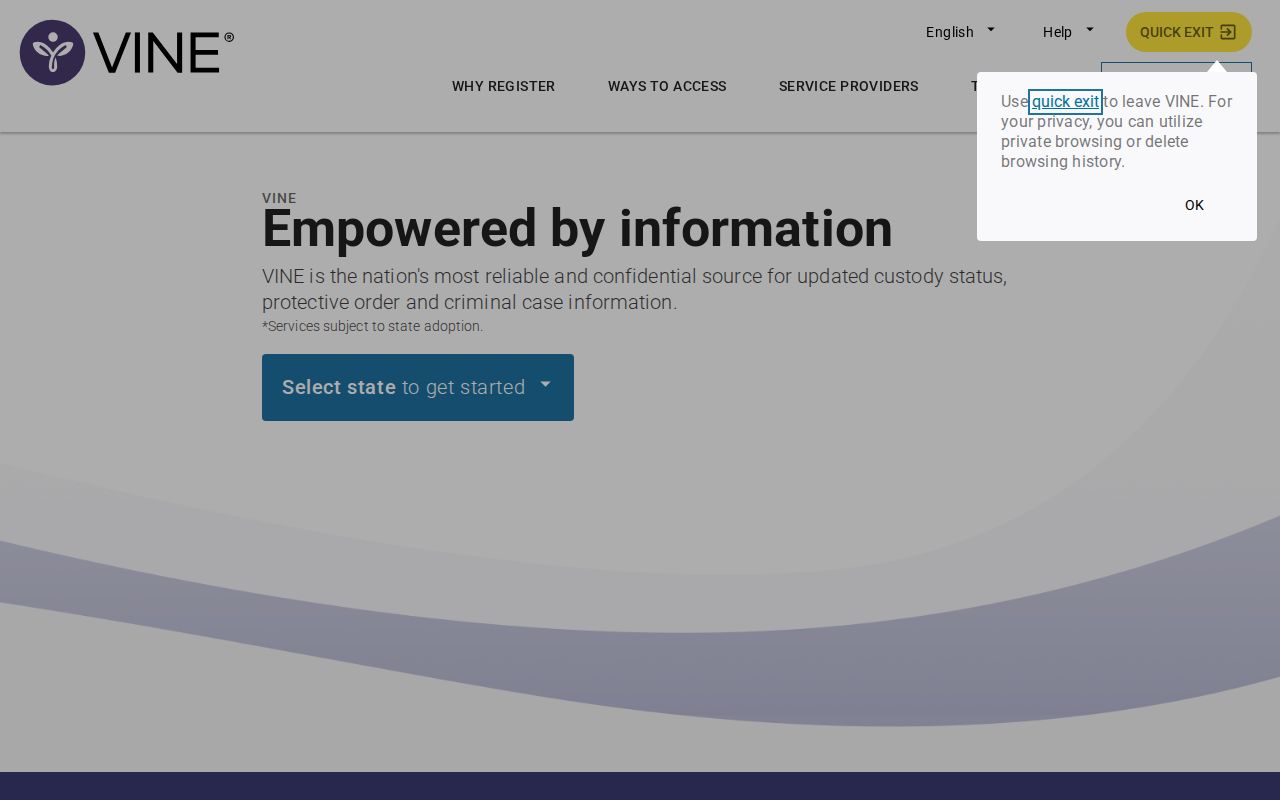
The confirmation is proof that an alert was registered, not proof that a release has already occurred.
A phone PIN acknowledges a notice and helps manage notifications. It does not authenticate the underlying release record. Keep the PIN, email address, phone number, and other destinations out of shared images or messages. If assistance is needed, use the locally published Kansas VINE telephone line.
Keep registration details current. An old telephone number or email address can stop a notice from reaching the intended recipient even when the agency reports the event. If several methods are offered, select those that can be checked reliably. The “Registration Confirmed” screen is the practical checkpoint that setup finished, so save that confirmation without exposing the private destination or PIN.
Confirm Woodson VINELink Release Events
After an alert, first read whether the event says release, transfer, or another custody change. Then identify the supplying agency. For a Woodson Detention Center event, open the official 48-hour released profile list and compare the exact release date and time, booking number, and arresting agency. A profile proves the displayed local booking ended, but the record lacks a structured release-reason field. Call the detention center when transfer or hold status matters.
For a Kansas state-prison event, search KASPER. A move to parole or post-release supervision means confinement ended while KDOC authority continues. “Discharged” means the displayed correctional obligation ended, which may occur later than physical release. KASPER updates each working day, so an event can appear on a different schedule from VINELink.
Federal custody belongs in the Bureau of Prisons locator. VINELink does not cover BOP records. A BOP label such as “Released” or “Not in BOP Custody” means only that BOP no longer holds the person; another agency may still have custody. ICE’s locator is appropriate only when an immigration handoff is supported by the case. Neither is a second Woodson jail roster.
Verify the source: Keep the VINELink notice, then obtain the sheriff, KDOC, or federal record that owns the reported custody event.
Woodson Release History Limits
VINELink is strongest before an expected event. Register while the person card is active, preserve the notice when it arrives, and then obtain the lasting record. It should not be relied on to reconstruct an old Woodson release after the public jail feed has expired. A focused sheriff request can seek the booking sheet, release date and time, recorded disposition or receiving agency if open, and other named items.
The Kansas Bureau of Investigation registry is also a separate system. It covers only people with a legal duty to register and provides registration information under Kansas law. A registry result does not prove a recent Woodson booking or supply a general release date. It must never be used as a substitute for VINELink, the sheriff roster, or KASPER.
Use the record owner that fits the event: Woodson sheriff for the county booking, KDOC for state custody or supervision, the court for orders and probation, and BOP for a federal sentence. VINELink connects a named person to an alert. It does not erase those boundaries.
For an older local event, use the Woodson County sheriff contact and provide the full name, approximate booking range, and booking number if known. Ask for the existing booking and release entry rather than asking staff to reconstruct a narrative. A narrow request can seek the release date and time and any open field for disposition or receiving agency. Court records can explain a bond order, dismissal, sentence, or probation order, but the court docket time is not necessarily the time the jail release process ended.